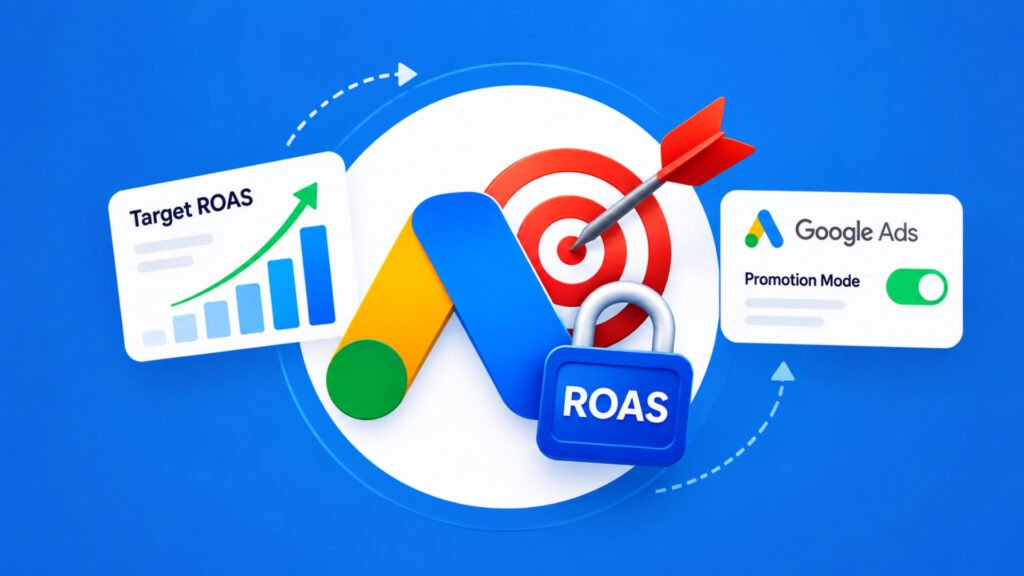
I’ve been in this industry since 2006, and the small quirks in Google Ads interfaces still get my attention. They usually tell you something about how the platform wants you to work. Here’s a good one: you can’t edit your Target ROAS while promotion mode is active.
What Google Ads actually says
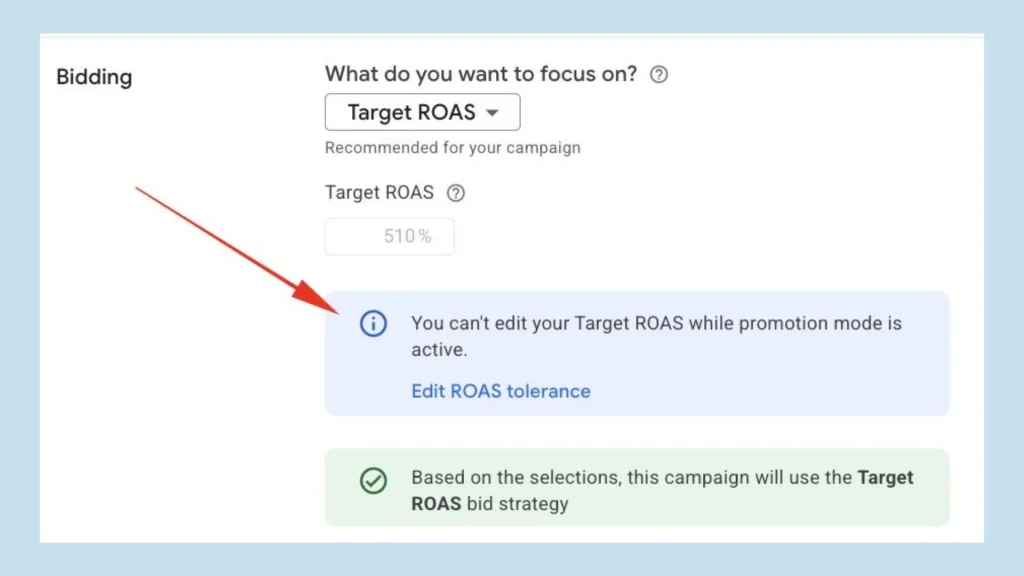
Try to change your Target ROAS during promotion mode and Google stops you with a notice: “You can’t edit your Target ROAS while promotion mode is active.” It doesn’t leave you stuck, though. It points you to a different setting, the ROAS tolerance, and lets you edit that instead.
So the Target ROAS number is frozen for the duration of the promotion, and the tolerance is the lever Google leaves open to you.
Who spotted it
Arpan Banerjee noticed this and shared a screenshot of the notice. Adrian Dekker also wrote about it on LinkedIn, so more than one person has run into it.
Why I find this interesting
Target ROAS is one of the most sensitive settings in a campaign. A small change can shift spend and volume quickly, and a promotion is exactly when you don’t want the bidding target moving around. I’d guess that’s the reasoning behind the lock, though that’s my interpretation, and Google hasn’t spelled it out in the notice.
Some practical thoughts if you manage Google Ads accounts:
- Set your Target ROAS before you switch promotion mode on. If you wait until it’s active, the field is locked.
- Learn what the ROAS tolerance does before you touch it. Google offers it as the alternative, and I’d check its documentation first rather than guess.
- Tell your clients up front. If someone asks you to adjust the target mid-promotion, you’ll want them to know it isn’t possible until promotion mode ends.
The takeaway
It’s a small detail, but the kind that costs you time if you find out in the middle of a sale. If you run promotions through Google Ads, plan your Target ROAS around them, and keep an eye out for other settings that get locked in the same way.